Thursday, February 13, 2014

New Center: iPad Center!

Ooooh

Ahhhhhh

So shinyyyyy

Lol. This is our new center. We are incredibly lucky and have generous parents that donated to our Donor's Choose to help us get 12 new iPads! I am using one as the "home base" and a back up, but the other 11 are out for the students to use. They are set up in one corner of the library, using an old big book shelf (with convenient sliding shelves) to house them.

I labeled each with a number and printed out the exact same thing for the students to choose a number and then know which iPad to use. AND I made 3 sets (only 2 are out right now), so if 2 students pick the same number, guess what?? You are partners (and I could make it up to groups of 3 if we want to do something as a whole class)!

I showed the students where everything was and had one student be my partner and we walked through how to use the center. Then I had 2 students volunteer to be partners. The iPad numbers I used (free!).

-=genius idea=-...I chose by asking 2 questions - 1. What is a call number and why do we have them? 2. What does checkout mean? -=I was being observed this particular day and I got 3 distinguished in managing student behavior and my administrator even told me that they had never given 3 distinguished in this category before so woot!=-

Anyways, I had the 2 students show what to do, including what to do when the chime rings (more about that in a moment...). Basically, I want the students to press the home button and the power button at the end of the center. The home button to stop the app. The power button to put the iPad off and save the battery.


Now, back to the chime...After spending a lot of time training the kids to go to the centers, I wanted to save some time in the transitions. Instead of having them come back to their table, I now have a PowerPoint Presentation that runs and makes a "chime" sound when it changes. The students know to stop, clean up, look at the board and see what the new center is and switch on their own. This frees me up to help students find books, checkout, work on different centers (like the new iPad center where I could physically be there to help them the first few times and actually talk to them!).

If you would like the PPT, please find it here!


This PPT includes the following centers on an 8 minute transition time: iPad Brainpop Jr., Type Rocket Jr. and Checkout.


Once you start it, you press forward once to get to the "Beginning" slide, these are the first 3 centers. Then it will automatically forward every 8 minutes to the "Middle", "End" and "Time's Up" slides.


The clean up slide really helps me, as I don't have to constantly remind kids to put away their materials!


Then I put up the Library Jobs PDF and either have a student assign the jobs or assign them myself (depending on time/need). I also added 2 new jobs - iPad Organizer and Clean up iPad papers. Get the new Library Jobs with iPads PDF for free!

Thanks for reading! Please share how your centers are going in the comments or by email! I would love to hear how it's going and would love to hear your wonderful ideas also! Thank you for your support!

Keep reading!
Ms. Dhruv

Thursday, February 6, 2014

New Center: Cite It! (FOR OLDER GRADES!)

New center! 

Try out a bibliography center, using an Encyclopedia Citation PowerPoint that students could watch and practice to learn how to write a bibliography for an encyclopedia article, and another General PowerPoint to practice any citation. I would also have them write a “reading log” in citation form to practice bibliographies.


Thanks for reading! Leave a comment on how you used these! I would love to hear how it's going and would love to hear your wonderful ideas also! Thank you for your support!

Keep reading!
Ms. Dhruv

Tuesday, January 7, 2014

SOAR Center Details! (Online Card Catalog)

Hi everyone!

As I'm going stir crazy with 2 "cold" days, where our school district ACTUALLY closed! Anyways, I thought I'd share details about my "SOAR" center. This could also be your "Destiny" center or "Online Card Catalog" center. Basically, I wanted students to use our online card catalog, called SOAR. After having a LOT of trouble last year with the 2nd graders accomplishing this, I needed a new tactic. I needed less kids at once, I needed more practice, I needed more computers, etc., etc., so I made it a center!

This also covers:

CCSS.ELA-Literacy.RL.1.5 Explain major differences between books that tell stories and books that give information, drawing on a wide reading of a range of text types.


When the students have to look for their own books, they have to be able to tell if it is nonfiction or fiction. As they find more of their own books, they have started to question some of the designations (why is a book about Bigfoot in nonfiction...then we talk about the designation, fascinating conversations for a 7 year old to feel like the experts =) We are also learning more about the Dewey #s, to reinforce the concept, we read Bob the Alien Discovers the Dewey Decimal System by Sandy Donovan. We also read Bored Bella Learns About Fiction and Nonfiction by Sandy Donovan and Karl and Carolina Uncover the Parts of a Book by Sandy Donovan. I recommend all of these to have great discussions. I may also make some kind of signs based on the Bob the Alien book to reiterate the Dewey Decimal system. 

ANYWAYS! This is the SOAR center sign:


This is the worksheet. For classes where I have limited time, I just print #1 - 5 and cut out the post it reflection activity.


We did this in increments in 2nd as a center. The first week, I just introduced it and had them try it out. Every week, we collected the papers to save paper (our students learn about saving the planet, and so they are used to this). The second week, we reviewed it and they tried it out again. The third week they went with a buddy to try and really look up a book. The fourth week, they did it again. the fifth week, they went by themselves after a review of what call numbers are and how to find things. I also had an extra volunteer to help students find their own books and feel successful. By the sixth week, I combined the Checkout and SOAR center and they now know to go to the computer to look up books if they need to, or to browse and checkout in one center. It has worked a 100 times better than the previous whole class instruction where many kids and myself were frustrated and book-less!

I also tried this out with one 1st grade classroom when there were 20 kids instead of 29. 


I made these partner cards (on TPT, they're free!), and printed out instructions (above) #1 -5 in miniature.

I pasted the instructions on the back, and laminated the whole thing. I also labeled each card with Computer 1, Computer 2, and the matching card with the same. 


So, for example, the  salt and pepper both had Computer # 10 on them. 


I passed out the cards, we read the directions together and did it on the SMARTboard. Then I had the students find their partner and try it out. It was chaos! But FUN chaos, they were really motivated! They really just explored because of time, but then after that we did it as a center with a buddy, etc. as above. Now that first grade class always uses SOAR and I'm going to probably start expanding to the other 5 first grade classes (but, that's a LOT of first graders, and I need to be sure I have volunteers on hand to help out!). It may not realistically happen until next school year. We'll see!

This will also become an eBook center:

We'll go over the instructions and then I'll have them do it with a partner, and then by themselves, just like the SOAR center above week by week. 

Thanks for reading! Please share how your centers are going in the comments or by email! I would love to hear how it's going and would love to hear your wonderful ideas also! Thank you for your support!

Keep reading!
Ms. Dhruv

Saturday, January 4, 2014

Welcome Chilly January! Let's Focus on Informational Text Features!

So I'm sure you're thinking, we go back to school Monday, I better have something fabulous in my coffee cup...wait, for my students! (although, true dat' to the coffee cup, our forecast for Monday is -8 degrees...balmy...? Then you look at the windchill and the real feel: -40 degrees! That's not nearly enough degrees!!! =) 

Anyways, after my frozen popsicles come to school, we will hit the ground running. I usually start nonfiction in November, and with book fair and the holidays, we just explore. Now, this is where we start focusing HARD on info text features.
Now we'll start looking and learning from them. We will also learn more about WHY and WHEN we use these. 

Weeks of January 6, 13
Photographs, illustrations, and captions


Weeks of January 20, 27
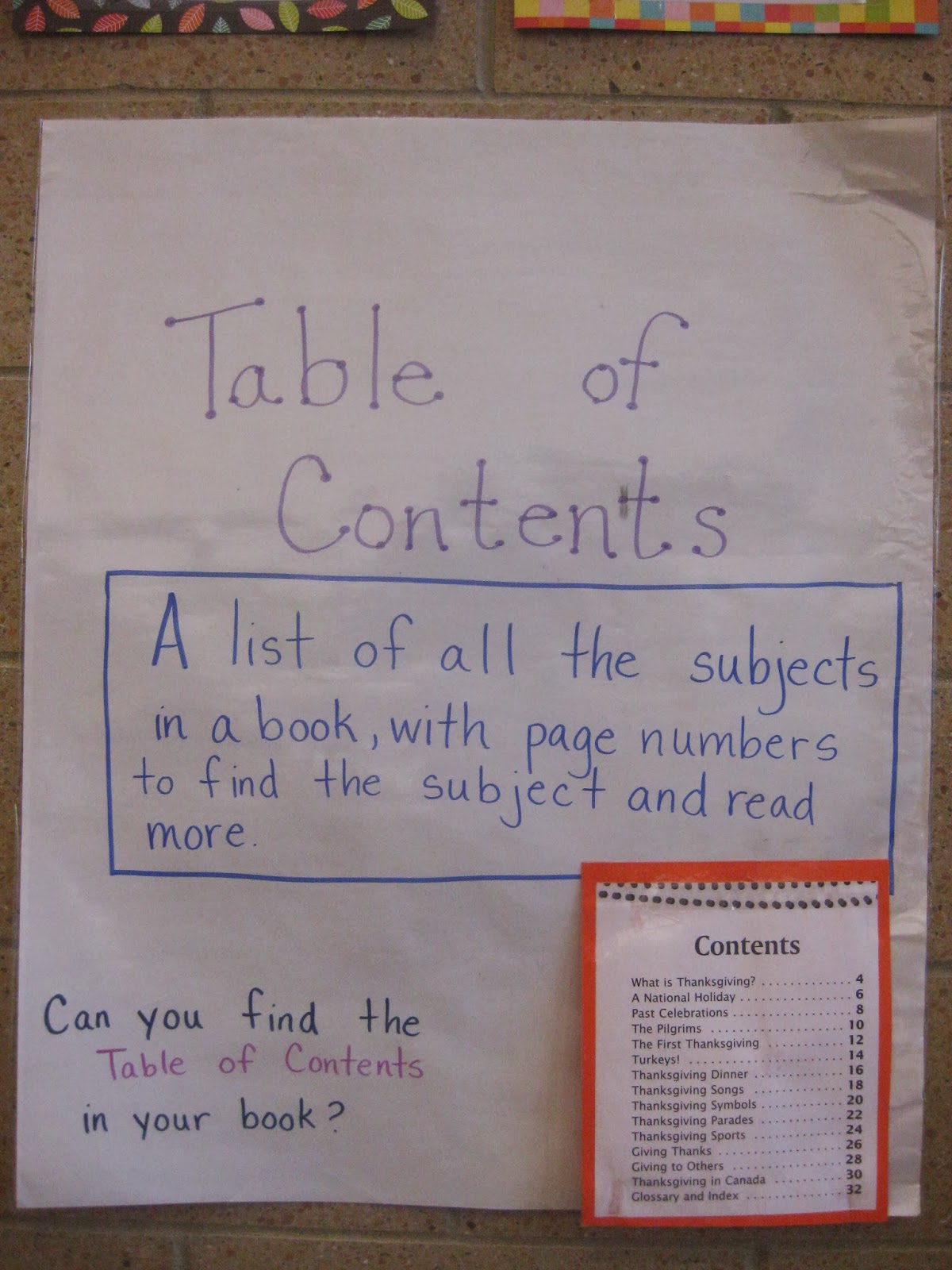
Table of Contents, Heading


Weeks of February 3, 10
Label, and Bold-faced word 


Weeks of February 17, 24
Index and Glossary


This goes along directly with the following Common Core standards:

CCSS.ELA-Literacy.RI.1.5 Know and use various text features (e.g., headings, tables of contents, glossaries, electronic menus, icons) to locate key facts or information in a text.
CCSS.ELA-Literacy.RI.1.6 Distinguish between information provided by pictures or other illustrations and information provided by the words in a text.
CCSS.ELA-Literacy.RI.2.5 Know and use various text features (e.g., captions, bold print, subheadings, glossaries, indexes, electronic menus, icons) to locate key facts or information in a text efficiently.


For all grades, the Reading Area will be where the students practice finding these features. For K and 1st, we will start reading Tumblebooks on the SMARTboard as one of the centers to look for these features. They will work together to reflect on the books they read. 

In 2nd grade, because they have learned how to use SOAR (the online card catalog), on the computers we will also learn how to go to the eBooks and to look for the features. I will also encourage students to checkout nonfiction to practice these skills at home. 

I would also recommend having the students do a pre and post assessment. It's editable, so I will change it to 9 above, plus title page and copyright page. This gives you some accountability, plus isn't so overwhelming to do it one on one with each child (which was driving me crazy). 


I will also change all the seats, and make new center groups. To do that, I'll pick 1 or 2 at each table to make small groups of 8 - 10. I will also assign partners within the small group so that we don't have a fight over who our buddies are, etc. This should make a whole bunch of logistical things a little easier. I usually use tables but I want to separate the students, so that they don't copy off each other when we do assessments...we'll see how it works out! 


I will also be adding a new iPad center...more to come! 

*** UPDATE *** I loved this PPT for the older kids! 


A bunch of great ideas on Mandy's Tips for Teachers Blog


I also used this GREAT Nonfiction Text Features Posters on TPT, and it's free! I printed them all out, changed the "cover" to Informational Text Features, and laminated them all. I posted them in the library to help kids remember. I also used many of these signs descriptions to make my anchor charts (that I will take pictures of when we finally go back tomorrow!). Hope it helps!

Thursday, December 19, 2013

Using Primary Sources in Primary Grades...Crazy? Or Awesome?

This is more of a try it out and see...when I was at ISLMA's conference, I saw a great lesson using primary sources!

I'm going to try it out with 2nd grade. I am going to use the Primary Source Analysis Tool (find it here: http://www.loc.gov/teachers/usingprimarysources/guides.html) and have students look at pictures. Since it is January, I was thinking about using a picture of Martin Luther King Jr.'s Office. I will make copies (and laminate if possible!) and then introduce one piece of the Analysis Tool each week. So each week the center will be Observe, Reflect, Question, and Investigate.


Week of January 6:
They will simply observe the photo. They will use these questions to help them guide their observations:
  • What do you notice first?
  • Find something small but interesting.
  • What do you notice that you didn’t expect?
  • What do you notice that you can’t explain?
  • What do you notice now that you didn’t earlier?

Week of January 13:
They will reflect. They will look at the picture, and read over their observations. Then they will use these questions to help them guide their reflections:

  • Where do you think this came from?
  • Why do you think somebody made this? 
  • What do you think was happening when this was made? 
  • Who do you think was the audience for this item? 
  • What tool was used to create this?
  • Why do you think this item is important? 
  • If someone made this today, what would be different?
  • What can you learn from examining this?

We will also watch this video: MLK - The King and His Dream

Week of January 20:
They will question. They will look at the picture, and read over their observations and reflections. Then they will use these questions to help them guide their questioning.
What do you wonder about...
  • who?
  • what?
  • when?
  • where?
  • why?
  • how?

Week of January 27:
They can think about further investigations. They will use their notes and the photo, then use the following questions to guide further investigations. 
  • What more do you want to know?
  • How can you find out?
I made a quick PPT to show the students the guiding questions and to help me remember the questions. 

As I think this over, I may have to do this as a whole group lesson to model how to observe, reflect, question, and further investigate. OR I may have them do the observe and reflect in small groups, but do the question and further investigation with me. 
This may be really hard, but I think I'm going to try it out with one 2nd grade and one 1st grade class. Then after the "pilot" I will try it out in February with a new topic with all the 2nd graders. Then another topic for all the 1st graders in March. We'll see how it goes!

Thursday, December 5, 2013

Scholastic Book Fair is Here!

And is it over yet? =)

We're in the thick of our book fair, and I thought I'd reflect on some of the things I do and some of the things that might make it easier!

We run the book fair for 3 days, and I am incredibly lucky that I get a substitute for 5 days, 1 day to set up, 3 days of actual fair, and 1 day to take down. This year, the week before the book fair, I canceled centers (oh no!) and had a little different set up. For the kindergartners, I told the kids that I had a special surprise that we had to get ready for and that we needed to check out in 15 minutes so we would have time for the special surprise. For 1st - 2nd, they know the fair is coming (the signs went up about a month ago), and we went over that we needed to check out in 15 minutes so we have time to ask questions about the fair and watch the book fair video!

We talk about what a book fair is. We talk about how a book fair is different than a library - in a library, we borrow the books, in the book fair, we buy the books. This inevitably leads to...what would we need to bring to the book fair if we want a book? These conversations really help when kids show up with no money (or 9 pennies and they think it's 9 dollars...oh poor thing...). I am debating having a money lesson before the next book fair, but hate to invest that much time in a 2/3 day event...and it takes away from the research and technology lessons I want to focus on...so we'll just help them count...and buy a coin counter!

The students are super excited, and because they have seen the video, have the fliers, know what's coming, know that it is a BOOK STORE and not the library, they bring money and we make a ton of money for the school!

More to come. And no, we do not have any more Lego Chima books or Bendy pencils. =)

Thursday, November 7, 2013

Why Call Numbers Are Important!

Last month, we focused on what call numbers are, and starting every class with a variation on call numbers. 

For Kindergarten, we talk about what to do if a book is lost. 
On the SMARTboard, I have the "To Do" list:

To Do                                     10/22/13
1. A book is lost. How do I know where to put it back correctly? 
2. November Calendar
3. Halloween Center
4. Go to Centers.

We read each sentence in the list and I explain and we practice if needed. 
For #1, I have them talk at their table for one minute. 
Then I ask them to share their ideas. 
I'm looking for them to tell me to look at the call number! 
Then I write the word call number on the board. 
I then have 3 books to "put away" together. 

I write the call number under the word call number and then write down section and letter shelf in 2 different colors. 

For example: 
E
LEI

Then I ask them what section does this book go in, Easy Fiction, Fiction, or Non-fiction. I ask one student to answer and then ask them how they knew that. We go over that the first row tells us the section  so E for Easy fiction. I write out easy fiction and underline the E. 

Then I ask what letter shelf does this go on. I ask one student to answer and circle the letter. If they give the wrong answer, I cross out that letter and ask them if they need help, then I choose another student. We then discuss how they knew the answer and then I let the student that answered find the letter shelf and put it away. 

I also use this time to remind the students which direction to put the book on the shelf - spine out, with the call number right side up (since we can't do headstands to see the call numbers! They get a good giggle thinking of Ms. D doing a head stand!).

For #2, we are making a November calendar. I hold up the calendar just to jog their memory. I may also go over how to do it together again if the class needs it. 
For #3, we have a Happy Halloween Center - they remember this! This will change to Happy Holidays soon, same idea just now we play the Winter Holiday games. 
For #4, I go over each center and whether it is With a Buddy or By Yourself and we get started!
This is also where I reviewed the Brainpop Jr. Movie of the Week Center and we practiced together if needed. 

In 1st and 2nd, we review how to put books away and why we have call numbers.  

We are learning more about the call numbers in 2nd grade because we are learning the Online Library Catalog system and without a basic understanding of call numbers, it is almost impossible to find the books. 

So, we talked about it, and I video taped it! I then used Magisto to make the clips into one video (it does it for you!). Please enjoy my students and their amazing explanations! 

Video: "Why Are Call Numbers Important According to 2nd Graders!"

Video: "Why Call Numbers?" (I was also having fun playing around with Magisto...=)